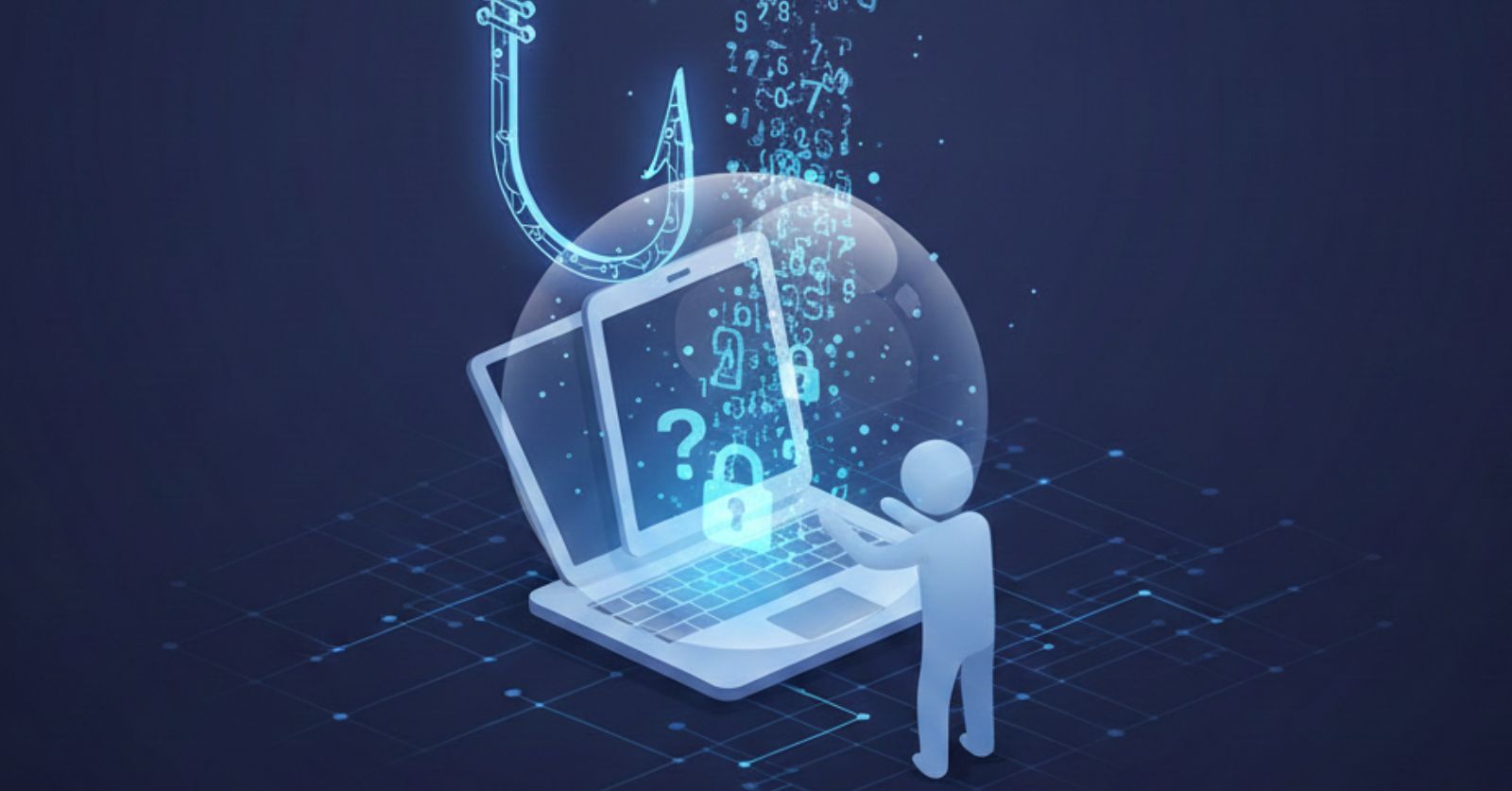
Phishing is a cyberattack method that uses deceptive emails, messages, or websites to trick people into revealing sensitive information such as passwords, credit card numbers, Social Security numbers, or other personal data. The term originates from the concept of "fishing," as attackers cast bait and wait for victims to respond. Phishing attacks rely on social engineering techniques that exploit human psychology rather than technical vulnerabilities. Attackers impersonate trusted entities such as banks, email providers, or organizations to convince victims to provide credentials or personal information. Phishing is a common attack vector because it targets human behavior rather than technical defenses. Understanding how phishing works, recognizing attack types, and implementing protection measures helps users avoid falling victim to these attacks. This page provides a technical overview of phishing, attack types, recognition methods, and protection strategies.
Phishing Definition
Phishing attacks use deception to obtain sensitive information. Key characteristics include:
- Deceptive Communication: Emails, messages, or websites that impersonate legitimate entities
- Information Theft: Attempts to obtain credentials, financial information, or personal data
- Social Engineering: Relies on psychological manipulation rather than technical exploitation
- Targeting Human Behavior: Exploits human tendencies to trust, respond to urgency, or comply with authority
Phishing attacks can target anyone, as they rely on human psychology rather than technical sophistication. Even security-aware individuals can fall victim to sophisticated phishing attacks that use personalization and context.
Types of Phishing Attacks
Email Phishing (Mass Phishing)
Mass phishing emails are sent to large numbers of recipients:
- Brand Impersonation: Emails impersonating trusted brands such as banks, payment processors, email providers, or retailers
- Urgency Creation: Messages creating urgency such as account suspension warnings or security alerts
- Fake Websites: Links to fake websites designed to capture credentials or personal information
- Low Personalization: Generic messages that are not personalized to individual recipients
Mass phishing relies on volume, sending many messages hoping that some recipients will respond despite low personalization.
Spear Phishing (Targeted Phishing)
Spear phishing attacks target specific individuals with personalized messages:
- Research-Based: Attackers research targets using social media, professional networks, or public information
- Personalization: Emails reference real colleagues, projects, events, or personal information
- Higher Success Rates: More convincing than mass phishing due to personalization and context
- Targeted Approach: Focuses on specific individuals rather than broad distribution
Spear phishing requires more effort but can be more effective because personalized messages appear more legitimate.
Whaling (Executive Targeting)
Whaling is spear phishing specifically targeting executives and high-value individuals:
- Executive Targeting: Targets CEOs, CFOs, board members, or senior executives
- Authority Impersonation: Often poses as legal notices, regulatory issues, or urgent business matters
- High-Value Objectives: Aims for large financial transfers, sensitive data access, or significant operational impact
- Sophisticated Approach: Typically more sophisticated and well-researched than standard spear phishing
Business Email Compromise (BEC)
Business Email Compromise attacks involve compromised or impersonated business email accounts:
- CEO Fraud: Attackers pose as executives requesting wire transfers or sensitive actions
- Invoice Fraud: Compromised vendor accounts or impersonated suppliers with changed payment details
- Account Compromise: Legitimate email accounts that have been compromised and used to send fraudulent messages
- Financial Objectives: Typically aims to redirect payments or authorize unauthorized transactions
BEC attacks can cause significant financial losses because they leverage trusted business relationships and may involve legitimate email accounts.
Smishing (SMS Phishing)
Smishing uses text messages to deliver phishing attempts:
- Package Delivery Scams: Messages claiming packages could not be delivered with links to reschedule
- Bank Alerts: Fake security alerts about suspicious account activity requiring verification
- Service Notifications: Messages impersonating service providers requesting account updates
- Mobile Targeting: Targets mobile device users who may be less cautious with SMS messages
Smishing leverages SMS messaging, which users may trust more than email, and can bypass email security filters.
Vishing (Voice Phishing)
Vishing uses phone calls to deliver phishing attempts:
- Authority Impersonation: Callers pose as IRS agents, tech support, banks, or government agencies
- Urgency Creation: Creates urgency through threats of legal action, account closure, or security issues
- Information Requests: Requests payments, remote access, passwords, or personal information
- Caller ID Spoofing: Uses spoofed caller IDs to appear legitimate
Vishing uses voice communication, which can create a sense of legitimacy and urgency that written communication may lack.
How Phishing Attacks Work
Phishing attacks typically follow a pattern:
- Reconnaissance: Attackers research targets, brands to impersonate, or current events to use in messages
- Message Creation: Create deceptive messages that appear to come from legitimate sources
- Fake Website Creation: Build fake websites that mimic legitimate sites to capture credentials
- Distribution: Send messages via email, SMS, or other communication channels
- Information Capture: Collect credentials or information when victims interact with fake websites or respond to messages
- Exploitation: Use stolen credentials for unauthorized access, financial fraud, or further attacks
Recognizing Phishing Attempts
Suspicious Sender Addresses
Examine actual email addresses, not just display names:
- Domain Variations: Slight misspellings or variations of legitimate domains (paypa1.com instead of paypal.com)
- Subdomain Abuse: Use of legitimate domains in subdomains to appear authentic (paypal-secure.com)
- Unrelated Domains: Sender addresses from domains unrelated to claimed identity
Legitimate organizations use consistent domain names. Verify sender addresses match expected domains.
Urgency and Fear Tactics
Phishing often creates pressure to act without careful consideration:
- Time Pressure: Warnings that accounts will be closed, suspended, or deleted within short timeframes
- Legal Threats: Threats of legal consequences or account closure for non-compliance
- Security Alerts: Fake security alerts about suspicious activity requiring immediate verification
Legitimate organizations typically provide adequate time to respond and do not create artificial urgency.
Generic Greetings
Mass phishing often uses generic greetings due to lack of personalization:
- Generic Terms: "Dear Customer," "Dear User," "Dear Account Holder" instead of names
- Legitimate Contrast: Legitimate organizations typically address users by name
Generic greetings can indicate mass phishing, though sophisticated spear phishing may use personalization.
Grammar and Spelling Errors
While phishing quality varies, many phishing messages contain errors:
- Spelling Mistakes: Incorrect spelling of common words
- Grammar Issues: Awkward phrasing or unusual word choices
- Formatting Inconsistencies: Inconsistent formatting, fonts, or styling
Legitimate organizations typically have professional communication standards. However, sophisticated phishing may have few errors.
Suspicious Links
Links in phishing messages often lead to fake websites:
- URL Mismatch: Button text or anchor text says one thing but links to different domains
- Misspelled Domains: Domains with character substitutions (amaz0n.com, faceb00k.com)
- Shortened URLs: URL shorteners that hide actual destinations
- Subdomain Tricks: Legitimate domains used in subdomains to appear authentic
Hover over links without clicking to see actual destinations. Verify URLs match expected domains before clicking.
Requests for Sensitive Information
Legitimate organizations typically do not request sensitive information via email:
- Passwords or PINs: Organizations do not ask for passwords via email
- Full Credit Card Numbers: Legitimate organizations already have payment information or use secure portals
- Social Security Numbers: Sensitive identifiers are not requested via email
- Account Verification: Legitimate verification uses secure portals, not email forms
Be suspicious of any email requesting sensitive information, even if it appears to come from legitimate sources.
Protection Against Phishing
Verification Practices
Verify before acting on requests:
- Direct Navigation: Navigate to websites directly by typing URLs rather than clicking email links
- Official Contact: Use official phone numbers or contact methods from legitimate sources (not from suspicious emails)
- Avoid Urgency: Take time to verify requests rather than responding immediately to urgent demands
Technical Protections
Technical tools can help protect against phishing:
- Password Managers: Password managers typically do not auto-fill credentials on fake websites, providing a warning sign
- Two-Factor Authentication: Two-factor authentication protects accounts even if passwords are stolen
- Email Filtering: Enable spam and phishing filters provided by email providers
- Browser Protections: Modern browsers block known phishing sites and warn about suspicious websites
- Security Software: Security software may detect and block phishing emails or websites
Reporting Phishing
Report phishing attempts to help protect others:
- Email Providers: Report phishing emails to email providers (Gmail, Outlook, etc.)
- Impersonated Organizations: Report phishing attempts to organizations being impersonated
- Anti-Phishing Organizations: Report to organizations such as the Anti-Phishing Working Group
Reporting helps security organizations track phishing campaigns and protect other users.
Response to Phishing Victimization
If you have fallen victim to a phishing attack:
- Change Passwords: Change passwords immediately for compromised accounts, starting with the account that was phished
- Enable Two-Factor Authentication: Enable 2FA if not already enabled to add additional protection
- Review Account Activity: Check account activity for unauthorized access, transactions, or changes
- Scan for Malware: If you clicked links or downloaded attachments, scan devices for malware
- Monitor Financial Accounts: Watch financial accounts for unauthorized transactions or changes
- Report Incidents: Report to IT departments (if work-related), impersonated organizations, and authorities
- Check Other Accounts: Review other accounts if same password was used, and change passwords if necessary
Quick response can limit damage from phishing attacks. Act immediately if you suspect you have been phished.
Limitations of Protection
Phishing protection has limitations:
- Sophisticated Attacks: Well-researched spear phishing can be difficult to recognize even with awareness
- Social Engineering: Attacks that exploit human psychology can bypass technical protections
- Compromised Accounts: Phishing from compromised legitimate accounts appears more authentic
- Zero-Day Techniques: New phishing techniques may not be immediately recognized or blocked
- User Error: Human error remains a factor even with awareness and technical protections
Protection requires both technical measures and user awareness. No single method provides complete protection.